Fixing a family's record
Last updated: October 4, 2026
Families change. A parent gets a new number, a child moves to a different unit, or a record ends up with someone in it twice. Here is how to fix each one.
Change a phone number, email or name
Open the family, from Families or from Conversations. Click the pencil on the parent's card.
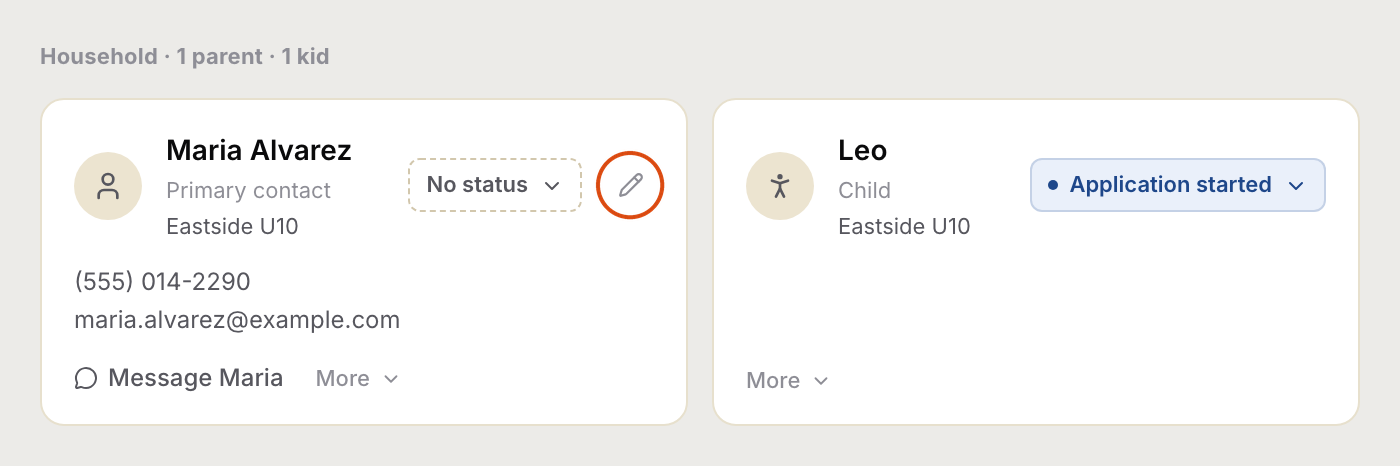
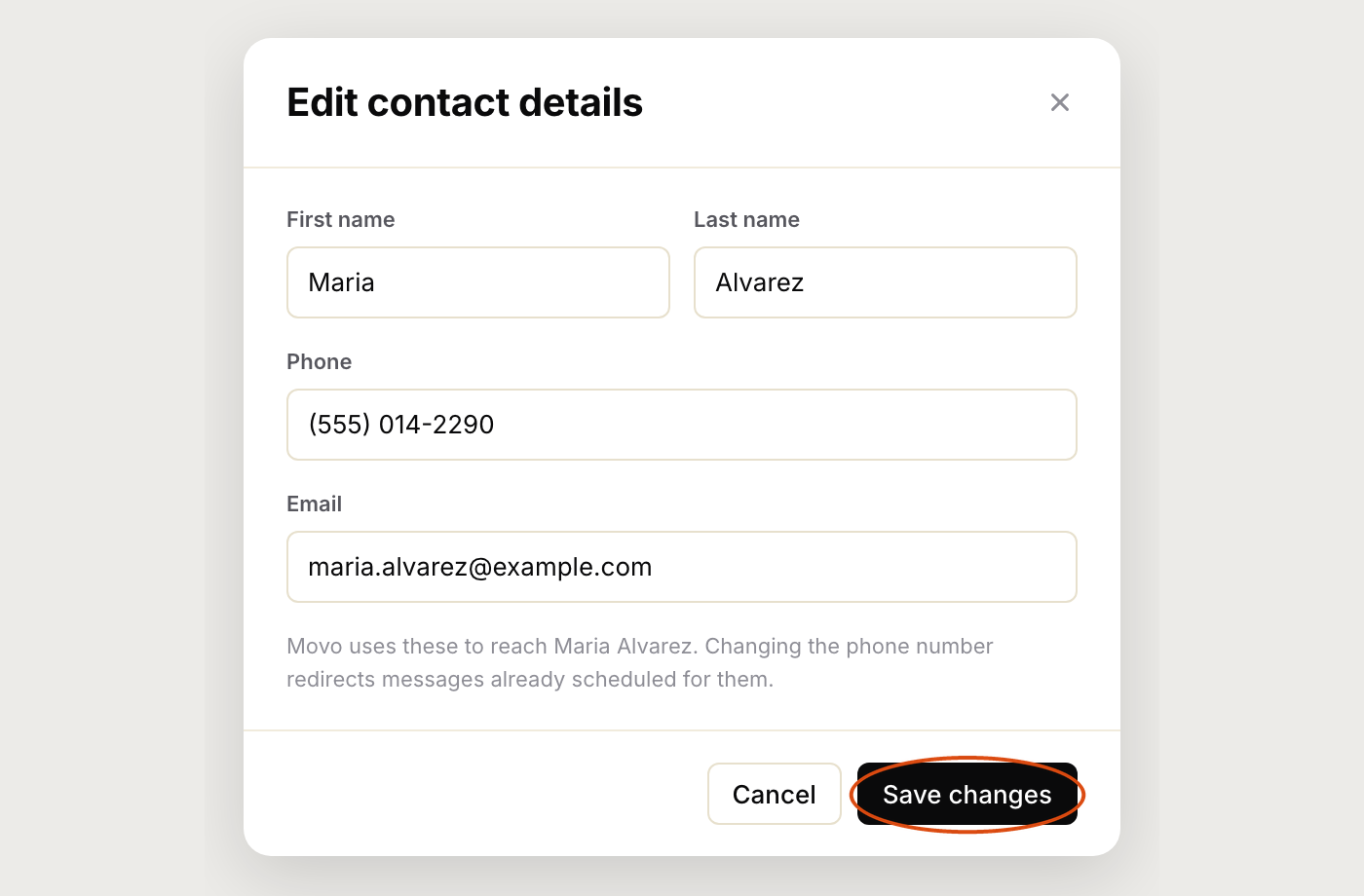
Change what you need, then click Save changes. If you change the phone number, anything Movo was about to send goes to the new number.
Only admins see the pencil. If you don't have it, ask an admin.
Move a family to a different unit
Under the family's name is the unit they belong to. Click it.

Pick the new unit, click Assign, then confirm. Everyone in the family moves. From then on Movo talks to them about the new unit's meetings, leaders and schedule.

Move one child, not the whole family
If two children are in different units, change the child, not the family. On the child's card click More, then Change unit. Only that child moves. The rest of the family stays where they are.

Movo added a child by mistake
When a parent mentions a child in a text, Movo adds them to the family. If it got it wrong, or added someone twice, open More on that child's card and click Remove. Movo won't add them again from that message.

Remove only appears on children Movo added itself. If a duplicate came in another way, from a list you uploaded or a form, send us a note through Get help and we'll tidy it up.
Add a second parent
There is no button for this yet. If a family has a second parent you'd like Movo to know about, send us their name and number through Get help and we'll add them. If the second parent texts Movo themselves, Movo will reply to them, and we can join the records up afterwards.