Escalations / "Needs You"
Last updated: August 14, 2026
How do escalations flow (unit to DE to council) and on what timing?
When Movo needs help answering a family, it creates an escalation in Needs You.
It goes to the Unit Leader first. If they don't respond within 1 day, it moves to the DE, then to the Council if it's still unanswered.
The faster escalations are answered, the faster Movo can get back to the family.
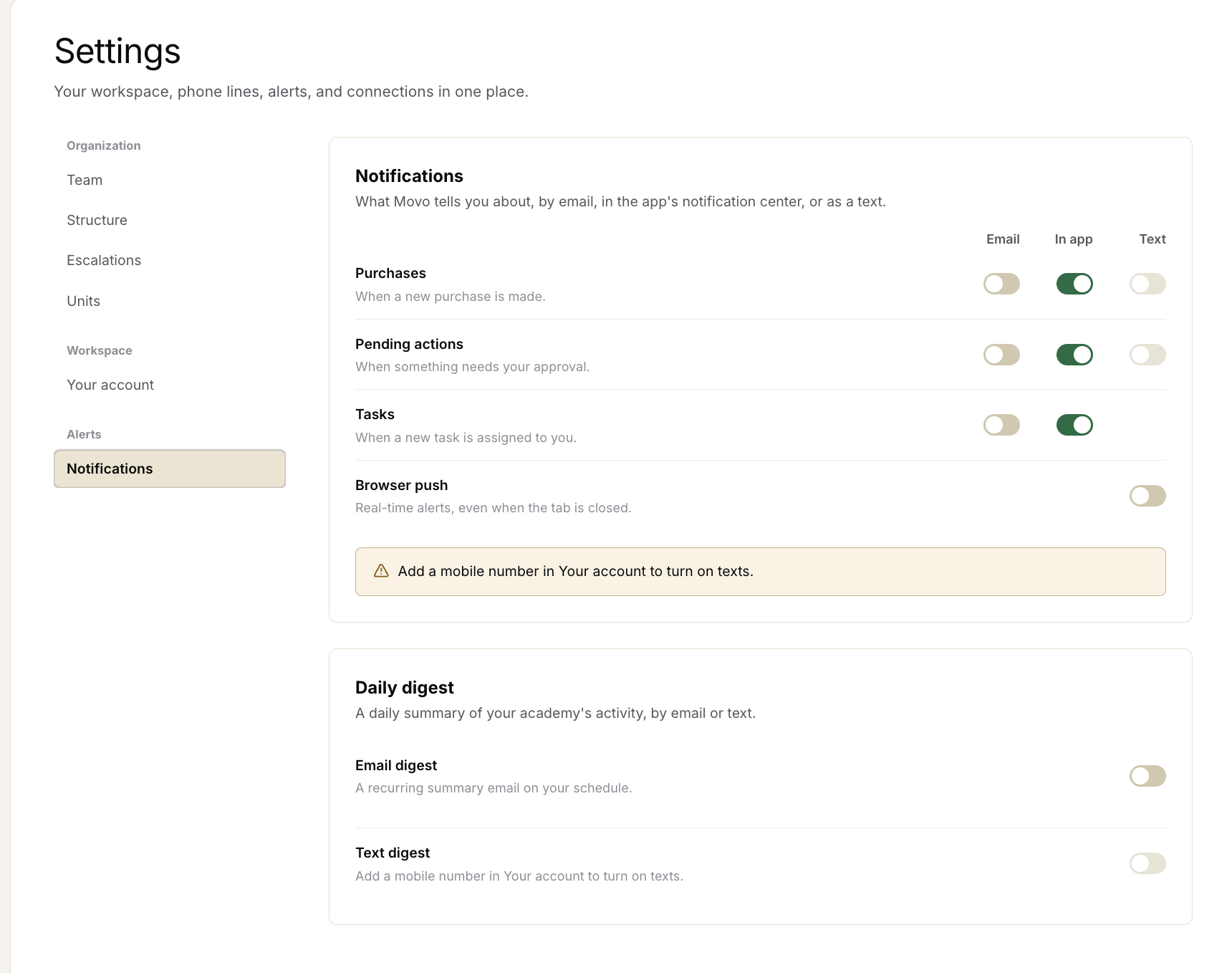
How do I get notified about escalations?
Go to Settings > Notifications to turn on email, in-app, or text notifications. We recommend turning on text notifications so you can respond quickly when something needs you.
Can an escalation stay with a DE longer?
Not yet. Today, escalations move through the standard timing above. We're adding more flexibility here.
What happens to escalations on weekends?
Movo works 24/7, including weekends. Families can keep talking with Movo and escalations will continue to move through the normal process.
Why did an escalation go to the wrong person?
This usually means someone's role or access was set incorrectly. Check their role in Team Settings and update it if needed.