Finding your way around Movo
Last updated: November 3, 2026
Everything in Movo is in the menu on the left. Here's what each page is for. Your menu depends on your role and the place you're looking at, so you may not see all of these.
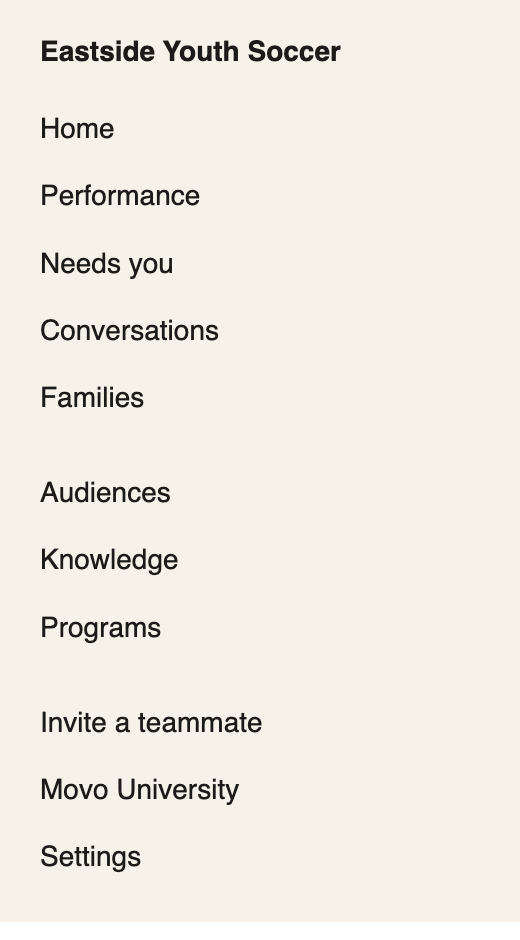
Page | What it's for |
|---|---|
Home | Your numbers, and what needs you today |
Performance | How joining is going across your area |
Needs you | Families waiting on a person. This is the page you'll use most |
Conversations | Every message with your families |
Families | Find a family and see their details |
Audiences | Lists of families, and uploading new ones |
Knowledge | Facts Movo can look up |
Programs | What each location offers |
Invite a teammate | Add someone to Movo, if you're an admin |
Movo University | Guides, and a way to chat with us |
Settings | Your alerts and account, and your team if you're an admin |
You might also see Insights, Chat or Pages. These are only switched on for some people.
Switching between locations
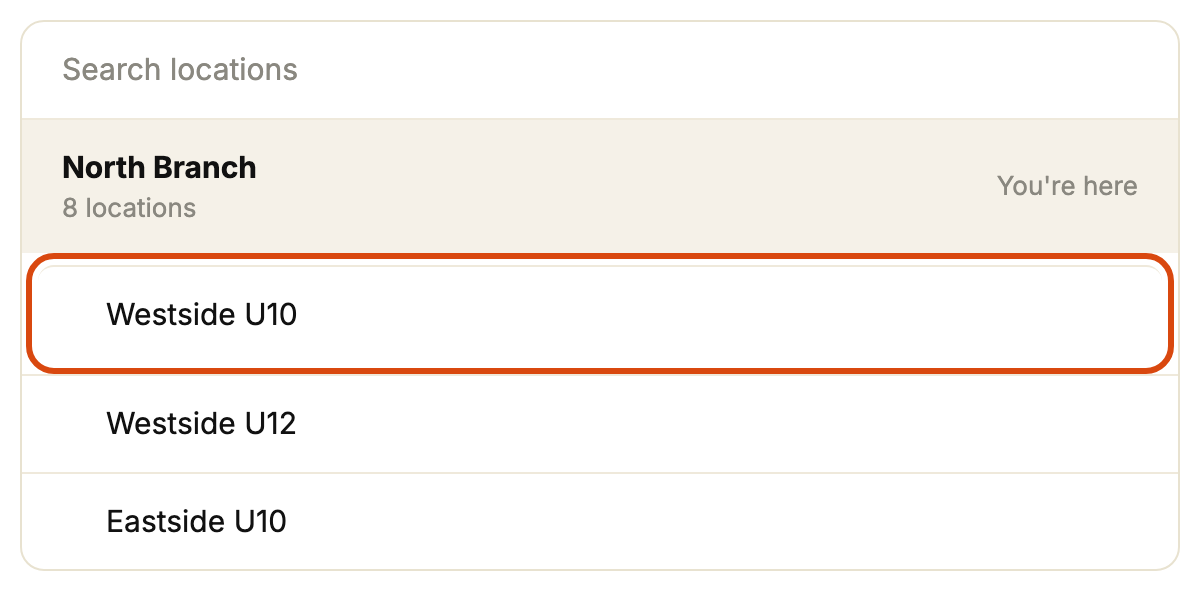
If you look after more than one location, click the name in the top bar and pick the one you want (ringed below). Your menu and numbers change to match. See Switching between your locations.
Finding a family
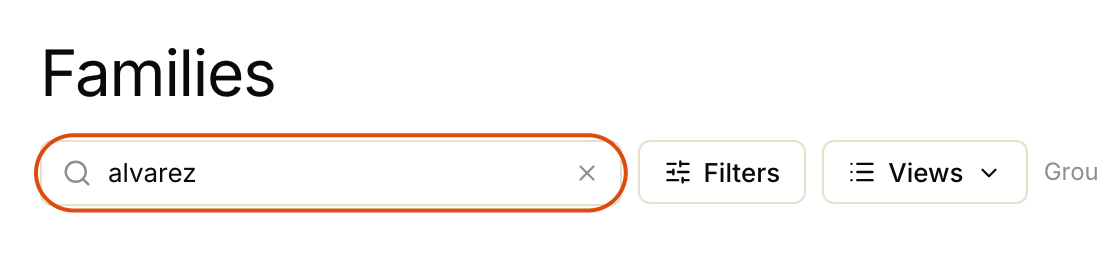
Click Families and type in the search box (ringed below). It looks at names, emails and phone numbers. See Finding and exporting families.