How to speak to a family in Movo
Last updated: July 27, 2026
While Movo handles family conversations autonomously, there may be times you want to reach out or respond to a family directly.
Families page
The Families page in the dashboard shows a list of the families in your organization, council, district, or unit.
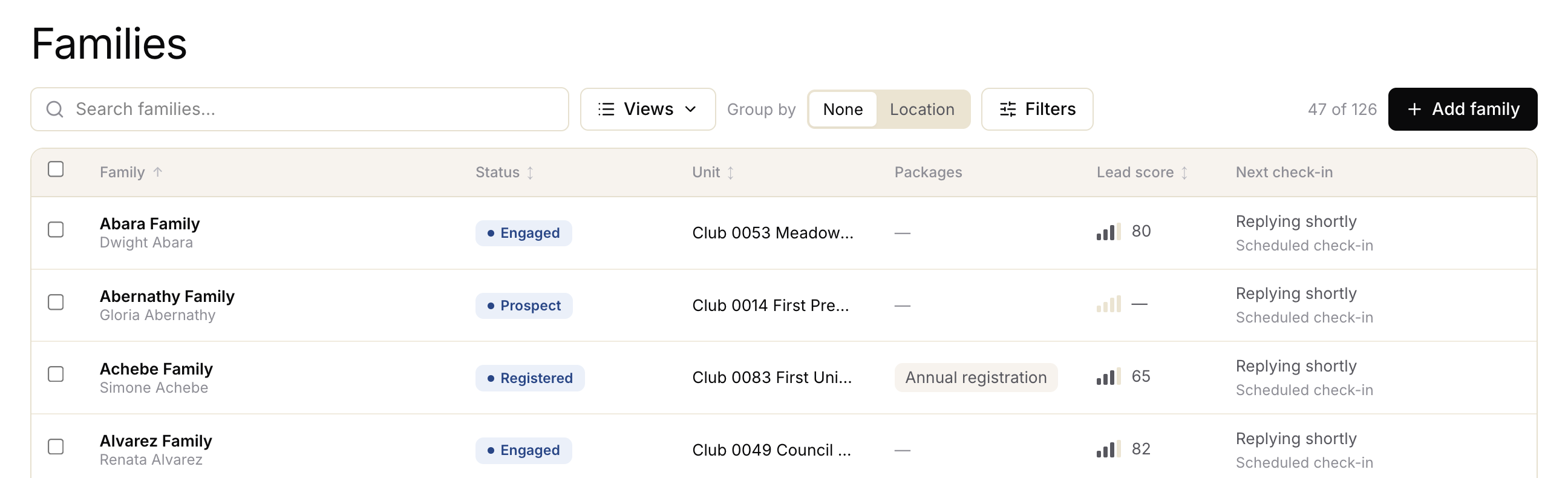
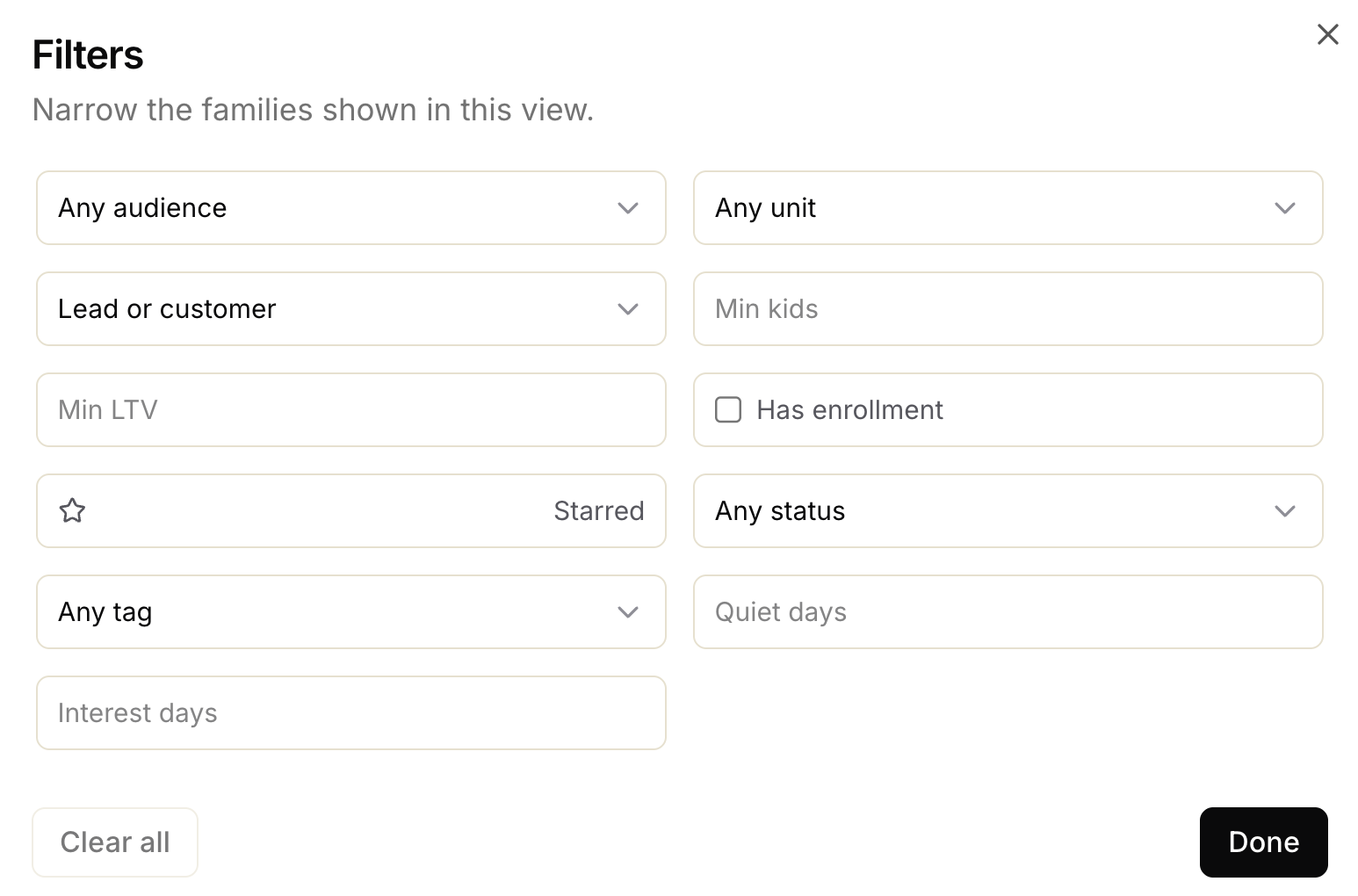
You can search for a specific family, as well as filter by a number of categories to find the right families.
Family overview
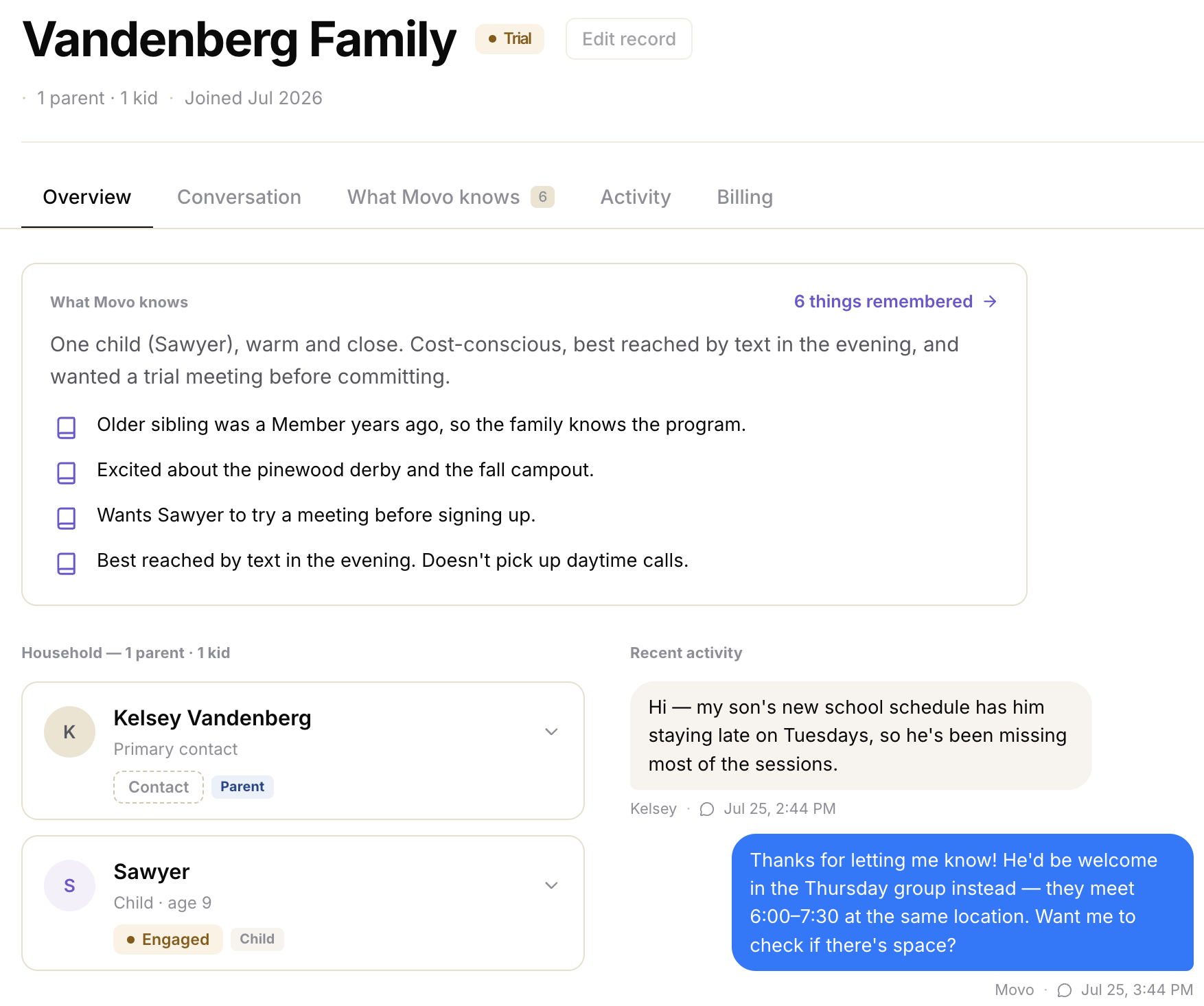
When clicking on a family from the list, Movo will show you an overview of each family - everything we know about the members and the situation, helping you make a more informed decision.
Speaking to a family
Once you're up to speed on the family, you can respond directly from the Movo platform by clicking on the Conversations tab.
Here you'll see the whole conversation history + be able to respond directly.
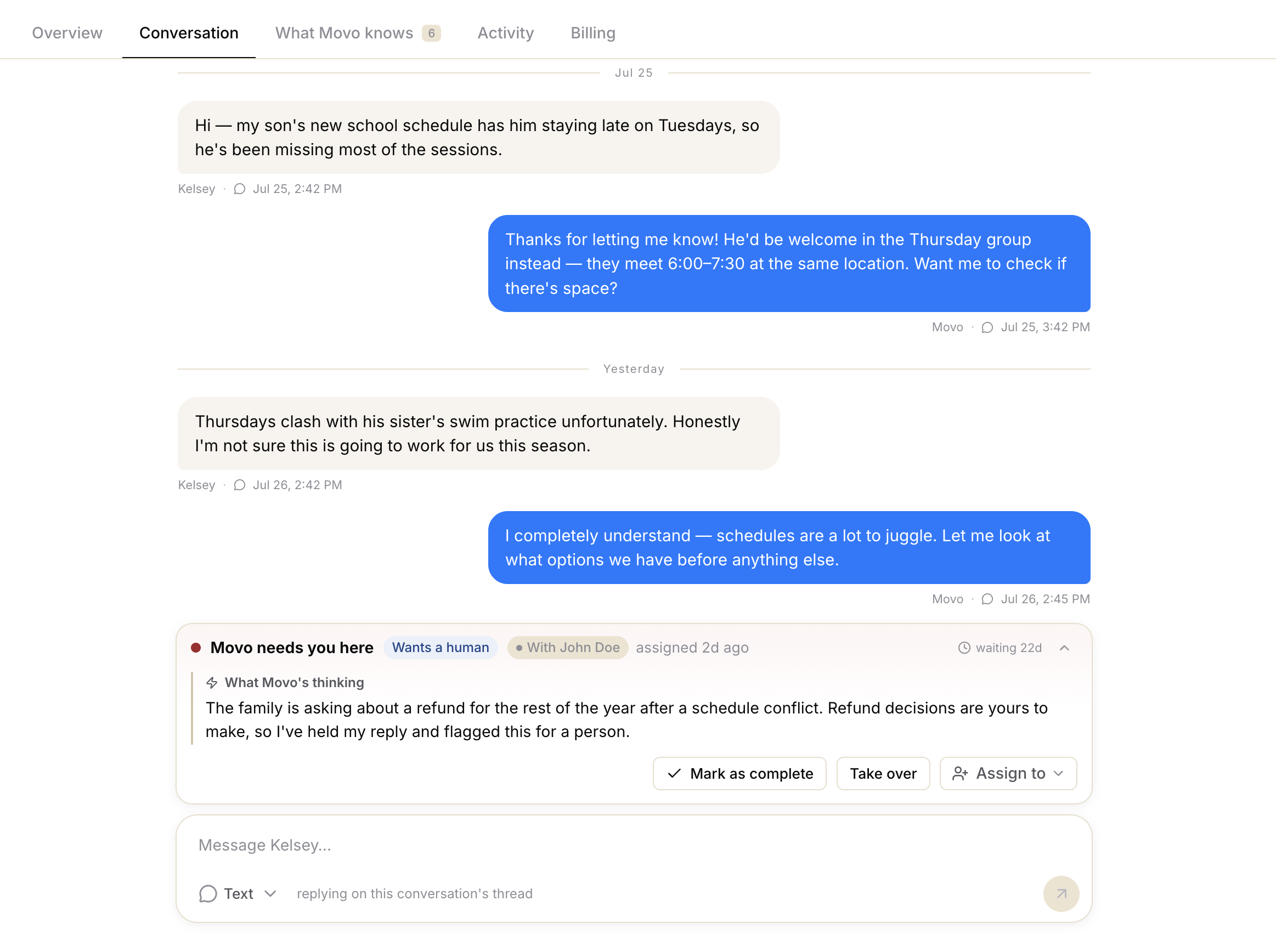
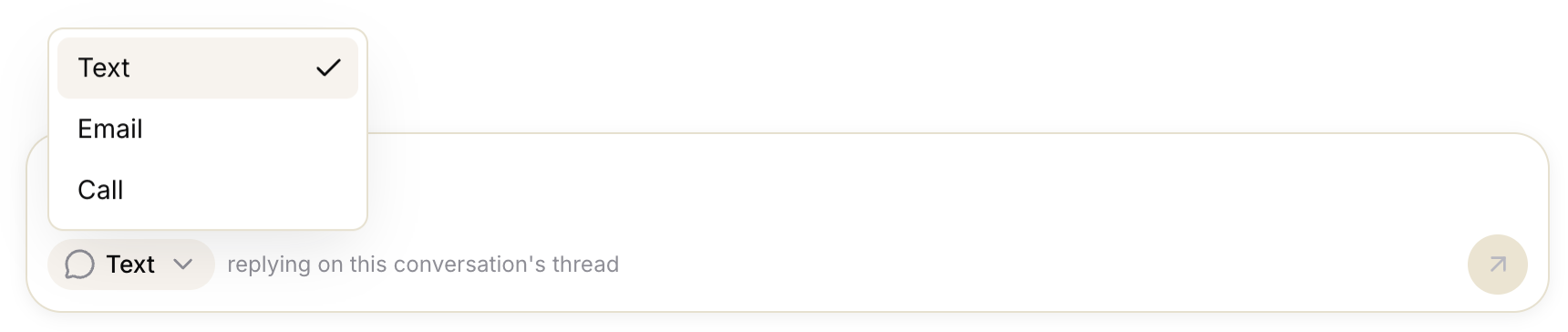
Movo defaults to each Family member's preferred communication channel, but you can also chose to reply via Text/Email/Call by clicking the channel selector at the bottom of the message panel: