Pausing Movo for a family
Last updated: October 4, 2026
If you want Movo to stop messaging a family, pause it. It takes two clicks, your team can still message them, and you can turn Movo back on whenever you like.
How to pause Movo
- Open the family, from Families or from Conversations.
- Click Pause, next to the family's name at the top.

- Pick a reason if you want to. Your teammates will see it. Then click Pause Movo.
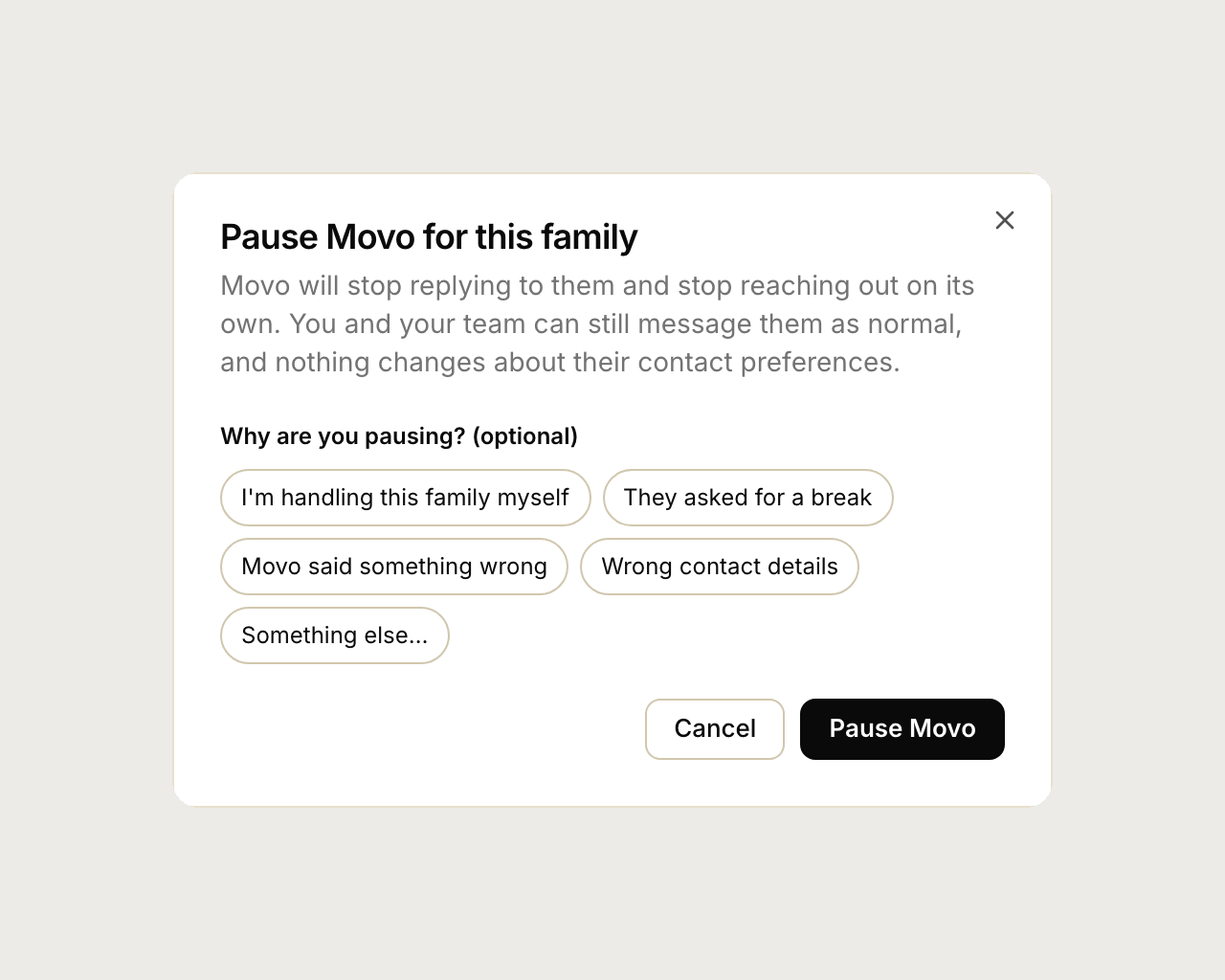
Movo stops texting, emailing and calling that family, and stops replying when they message in. You and your team can still message them as normal. Their record and conversations stay. If the family calls your Movo number, the call is still answered.
Everyone who opens the family can see who paused it and why.

Pausing doesn't wear off. Movo stays paused until someone clicks Resume.

Why not just delete the family?
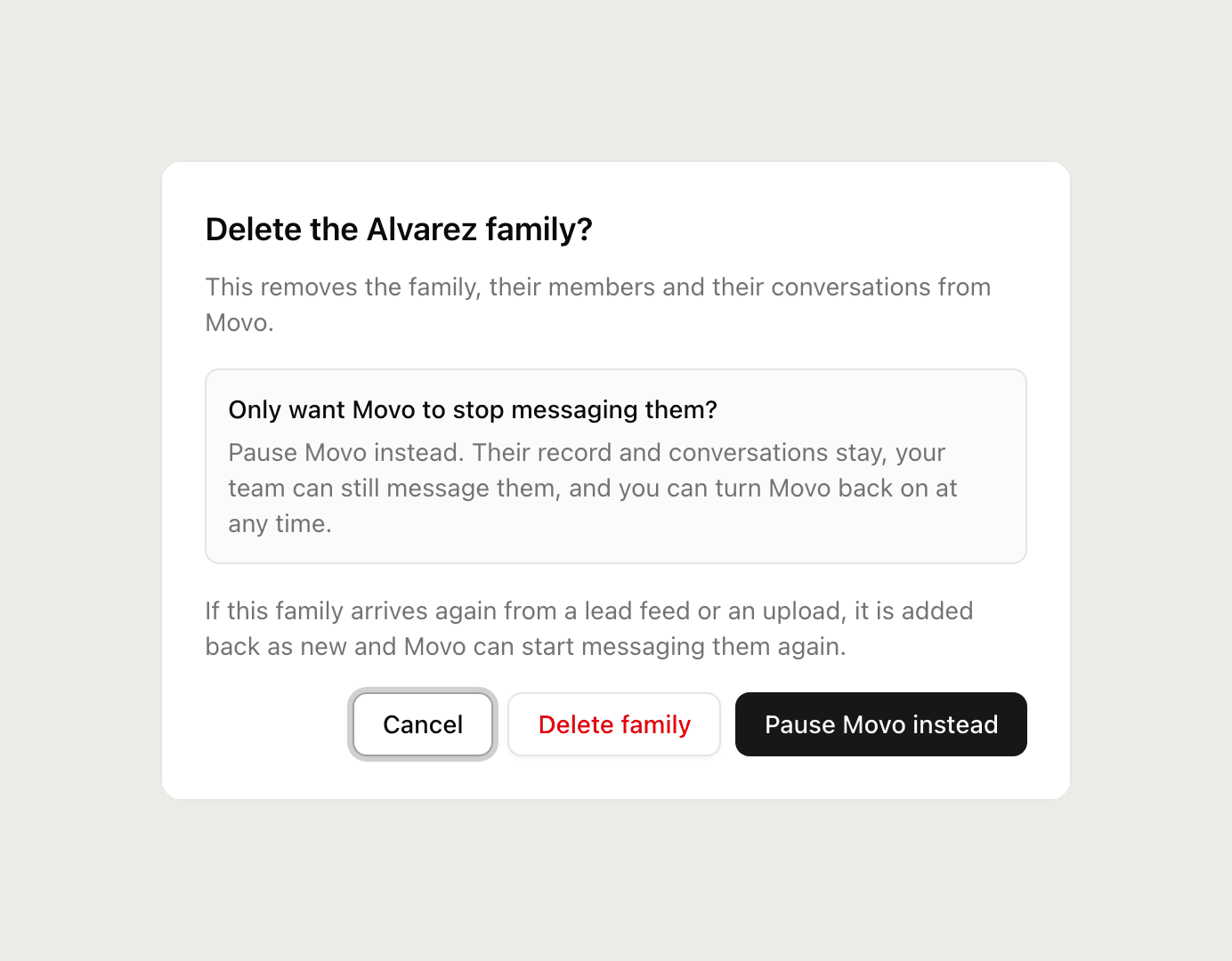
Deleting a family doesn't stop Movo for good. If the same family arrives again from a lead feed or an upload, they're added back as new and Movo starts messaging them again. That's why Movo offers Pause first when you click Delete.
What if the family texts STOP?
That's different, and it's the family's choice, not yours. STOP turns texting off for everyone, including your team. Movo marks the conversation "Texting is off". Email and calls still work. Only the family can turn texting back on, by texting START.