How we count who joined
Last updated: November 3, 2026
You might see different numbers for who joined. They can all be right, because they count different things.
Where | What it says | What it counts |
|---|---|---|
Home | Members registered | Everyone registered in your area, including people who were already registered when they reached Movo |
Performance, top of the page | Children have registered after reaching Movo | Only people who registered after Movo reached them |
Performance, table | Total registered | Everyone registered, whether they joined before or after reaching Movo |
So Home is usually bigger than the number at the top of Performance.
Each child counts once. A family with no child listed counts as one.
If you look after one location, you won't see these numbers. Your Home page shows different ones, and you don't have Performance.
Other reasons the numbers can differ
Home has filters. Check the date and location filters at the top of Home. Performance is always all time.
Performance may show one group at a time. If you see two buttons at the top right of Performance, each one shows only the leads that came from that source. Home counts both.
Someone who joined isn't counted
Movo usually finds out on its own when someone joins. Sometimes you know first, so you can mark them yourself.
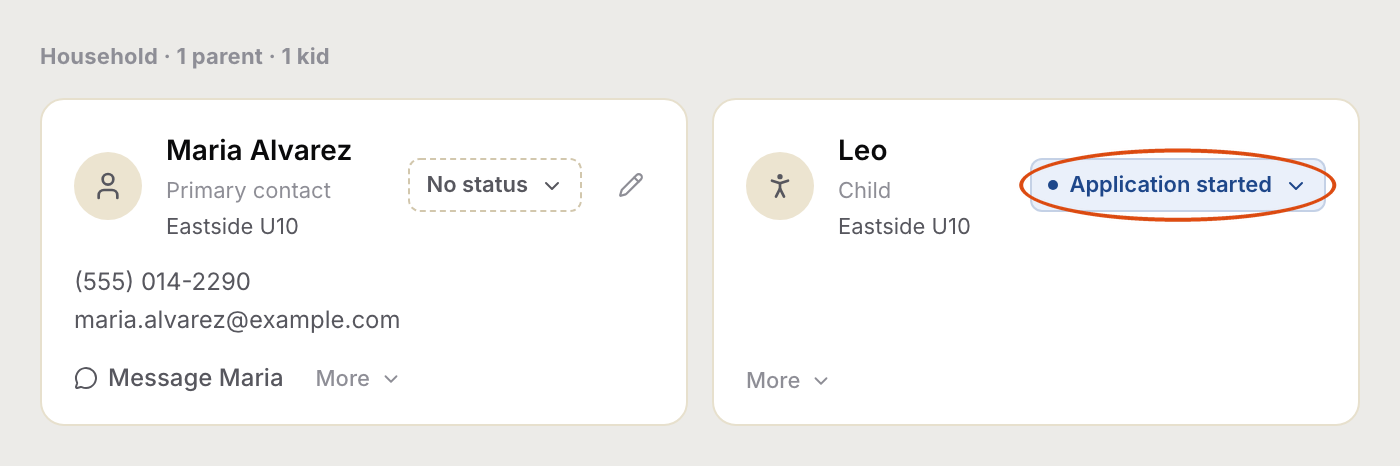
Open the family and click the status next to the person's name (ringed below). Mark the person who joined. That's usually the child, not the parent.
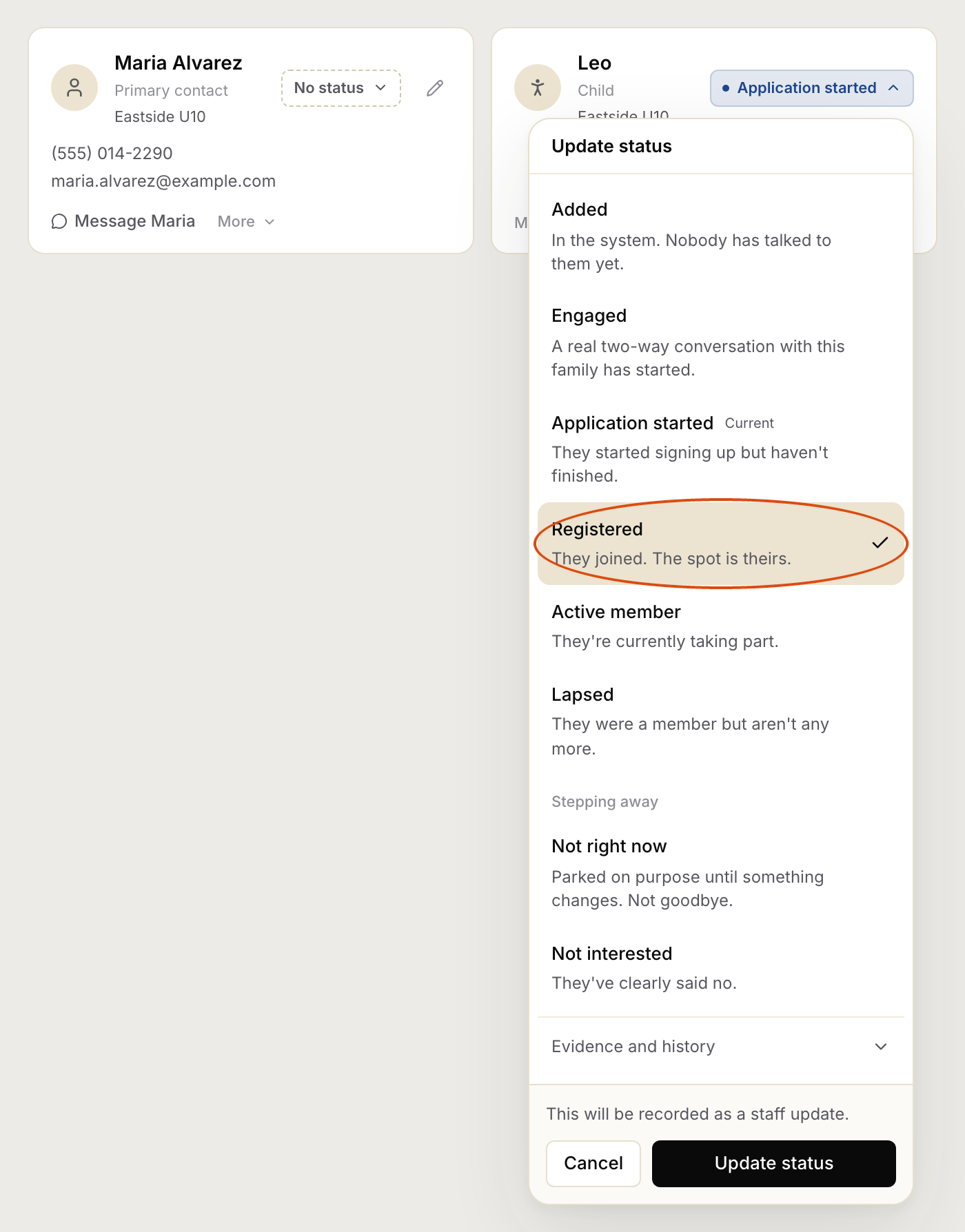
Pick the status that means they've joined (ringed below). Your list may use slightly different names.
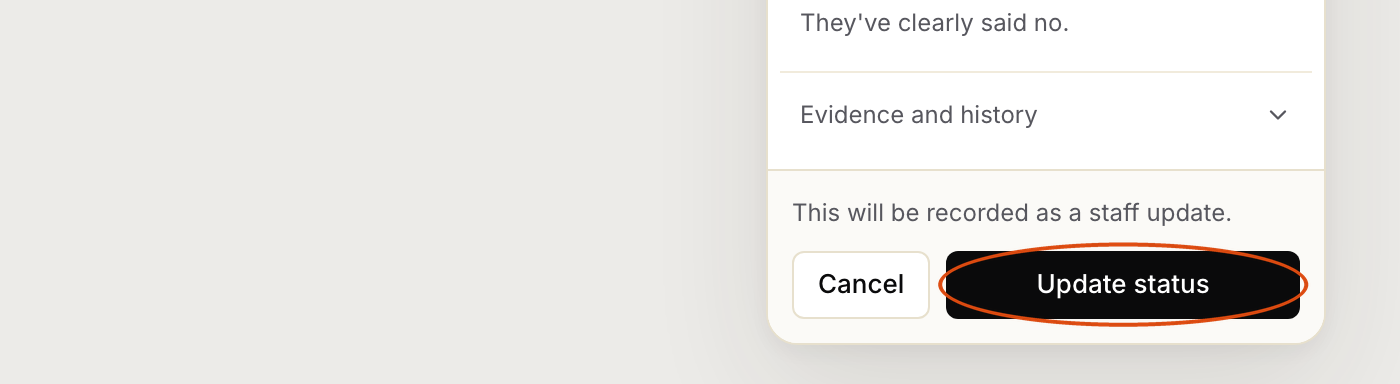
Click Update status (ringed below).